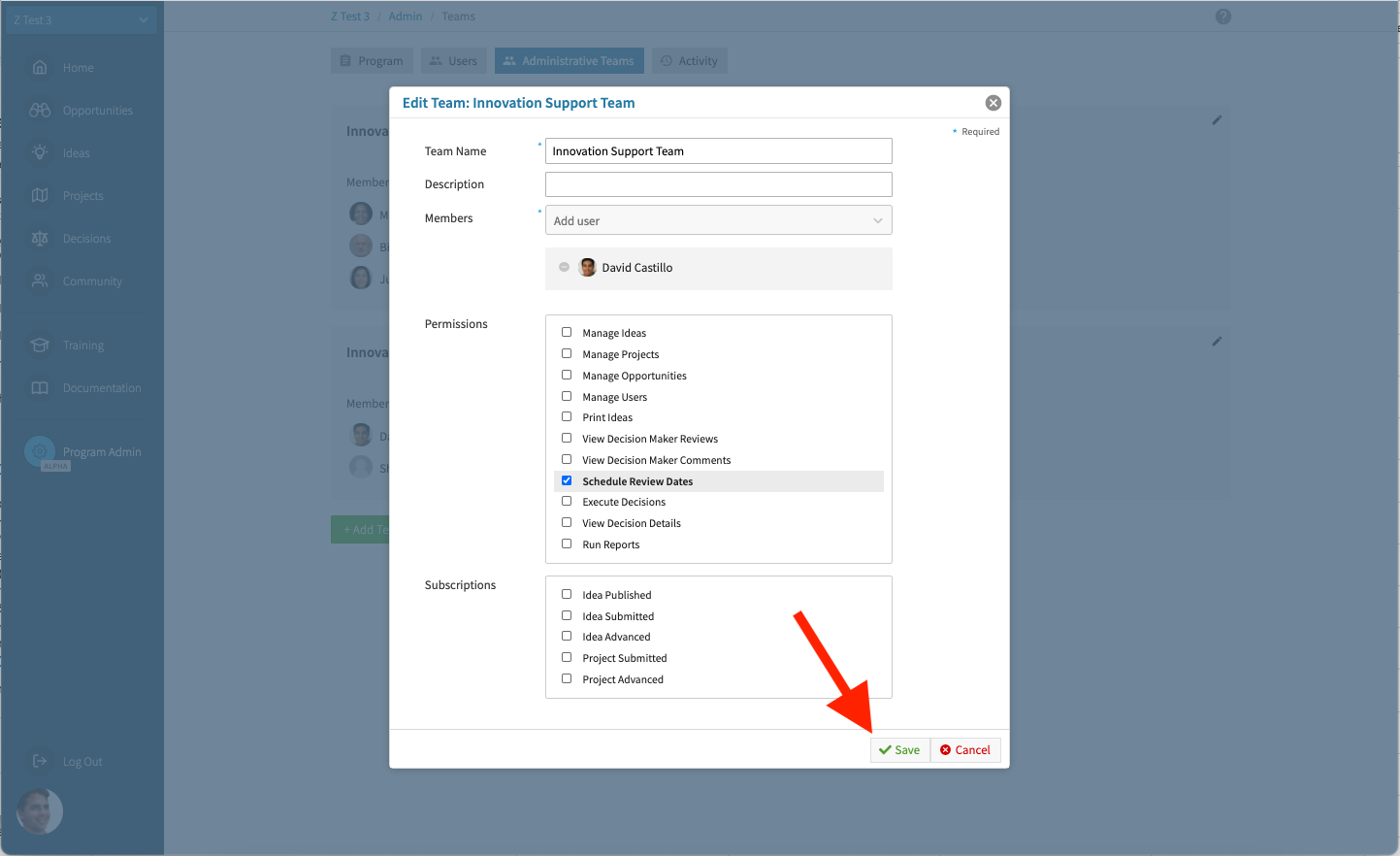
How to Add and Modify Administrative Teams
As described in About Permissions, Administrative Teams are groups of users that have been granted special permissions in order to assist in the operation of the innovation program.
How to Add an Administrative Team#
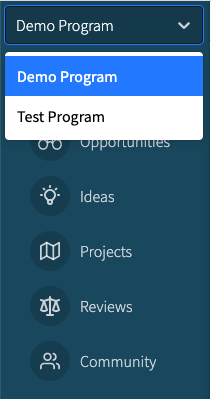
To add an administrative team: Navigate to the desired program using the Program Selector located at the top of the navigation menu.
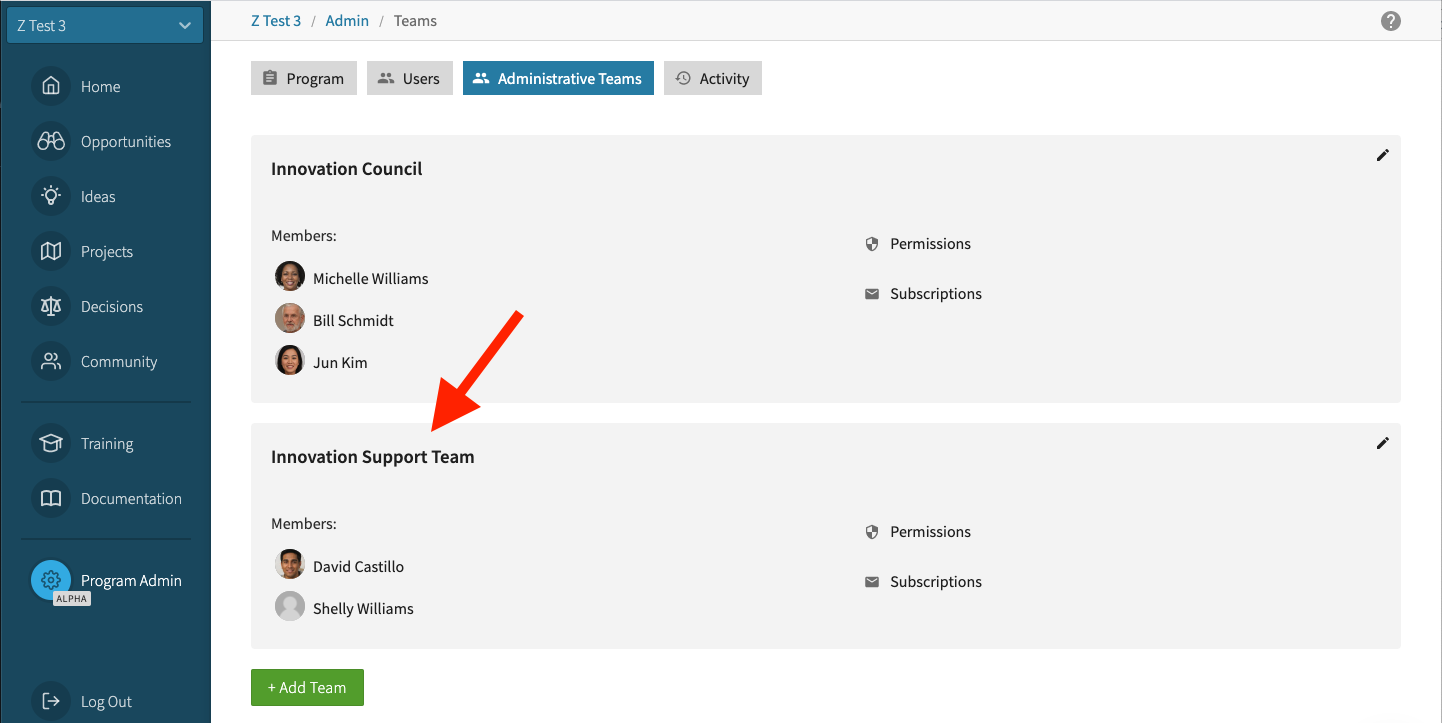
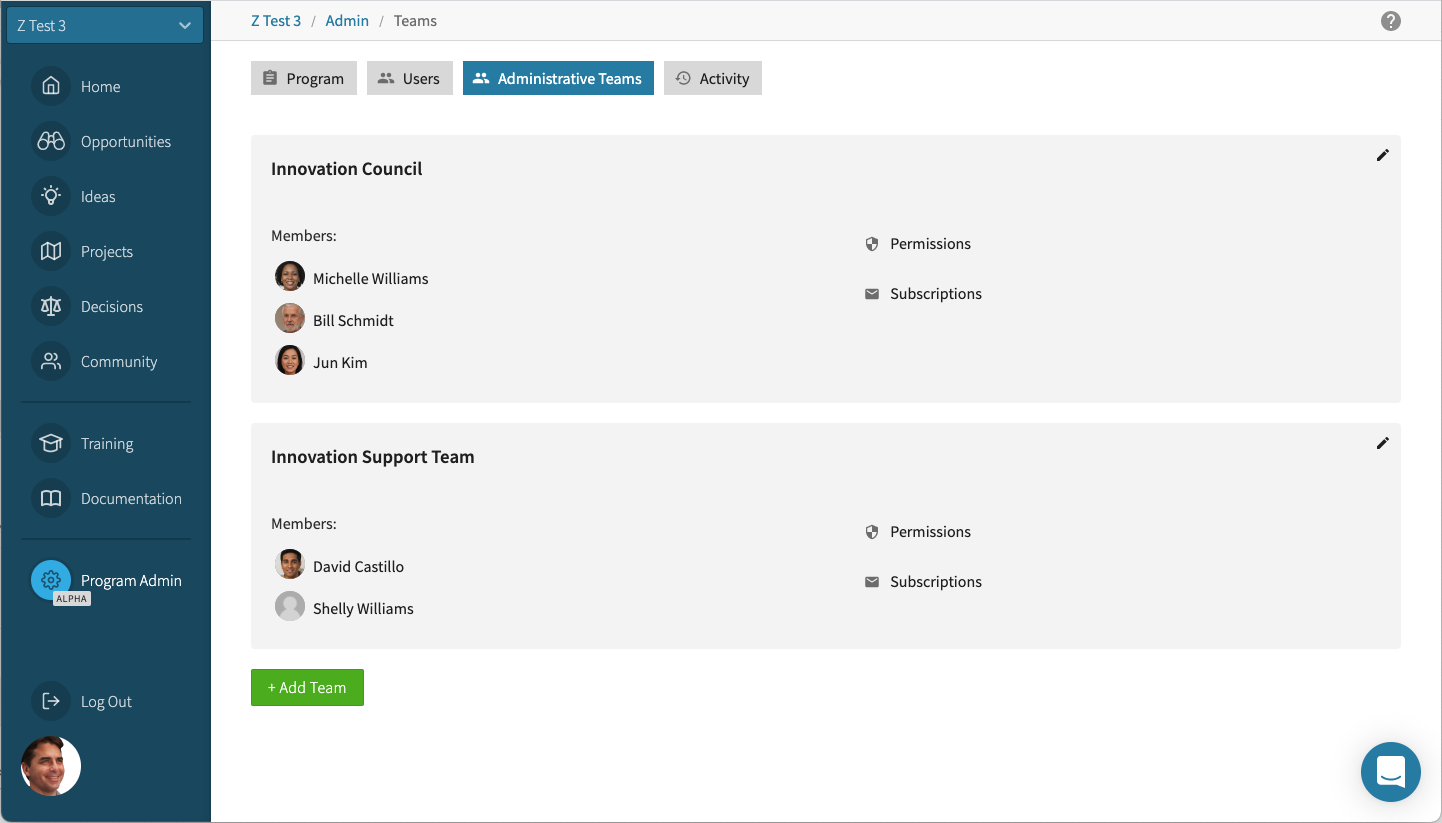
Go to Program Settings > Administrative Teams, where you will see a screen that looks like this, with a green button labeled, "+Add Team."
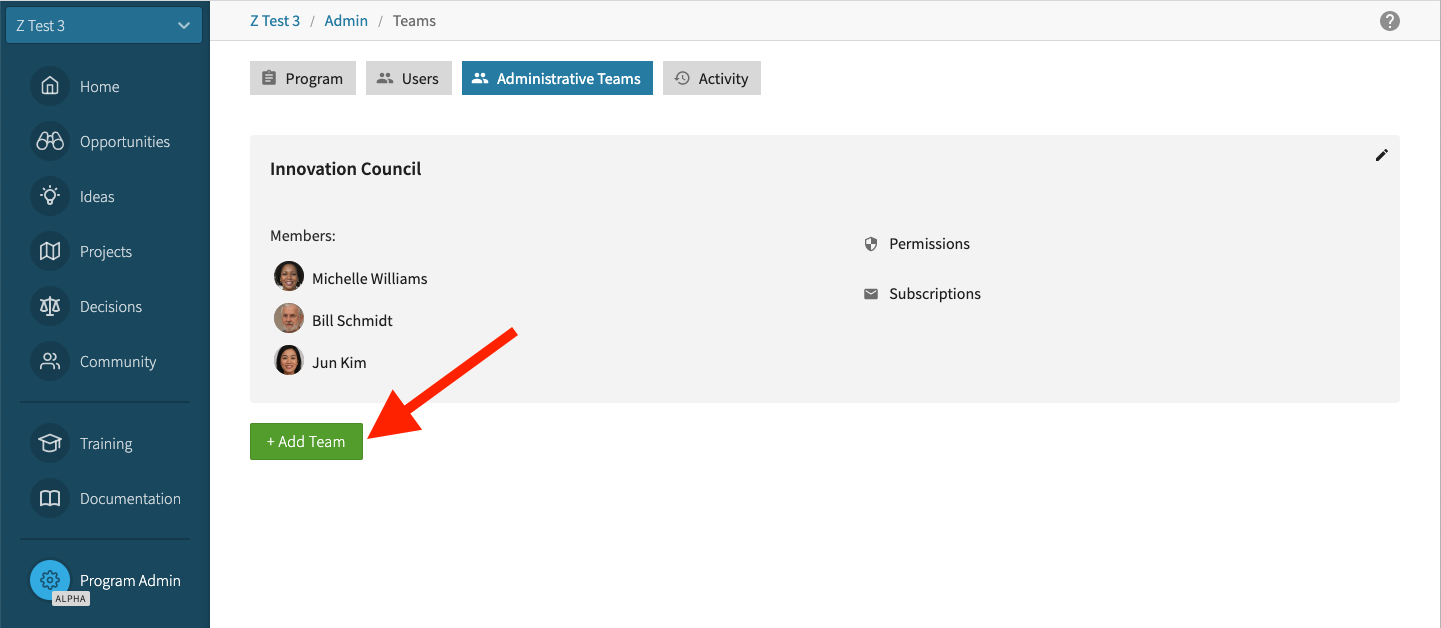
Select the +Add Team button and fill out the form.
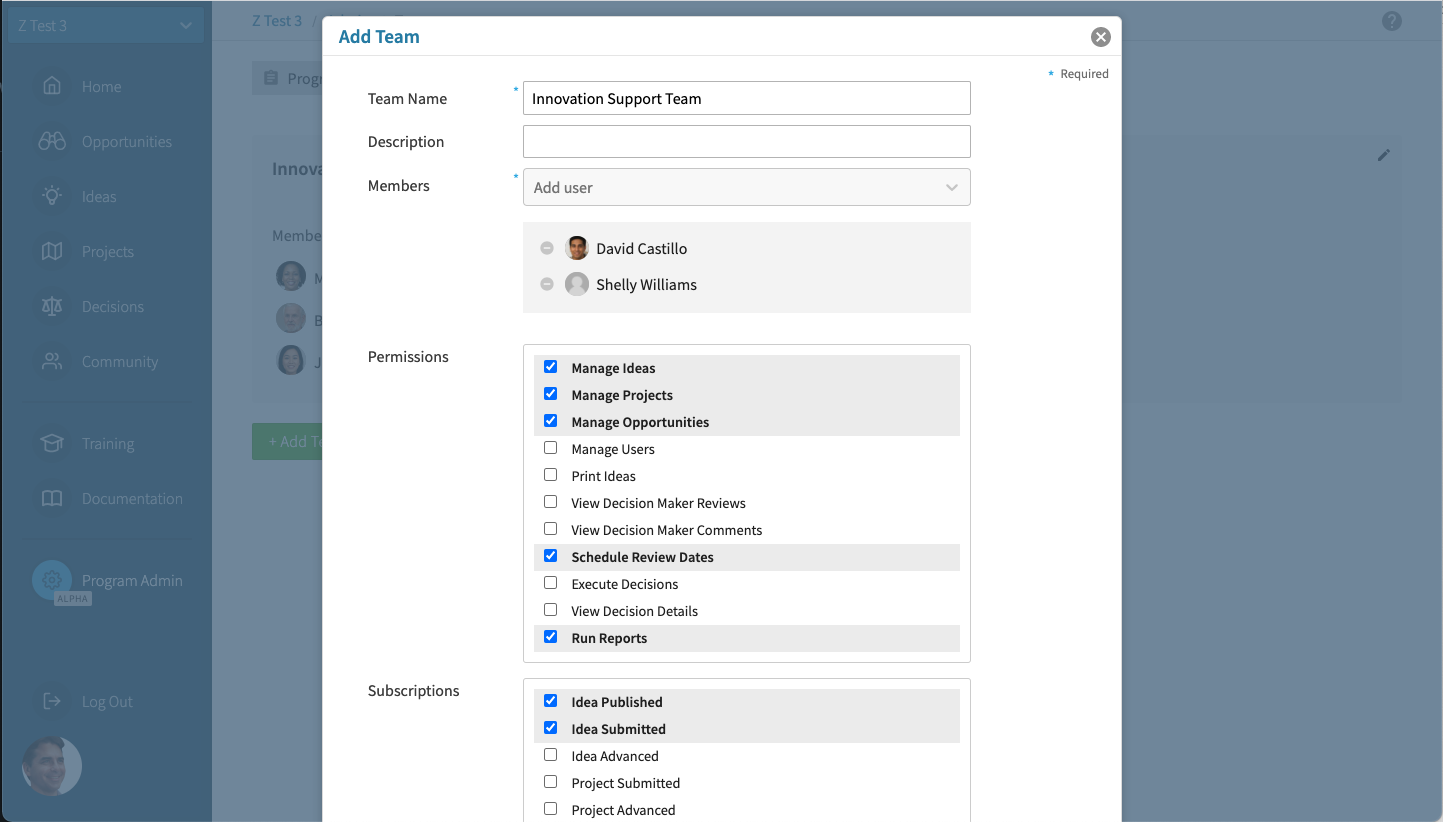
After saving your selections, your new Administrative Team will be displayed on the screen.
How to Modify an Administrative Team#
To modify an administrative team (i.e. add or remove members, change permission or subscriptions):
Navigate to the desired program using the Program Selector located at the top of the navigation menu.
Go to Program Settings > Administrative Teams.
Scroll down to the administrative team you wish to modify and select the edit button.
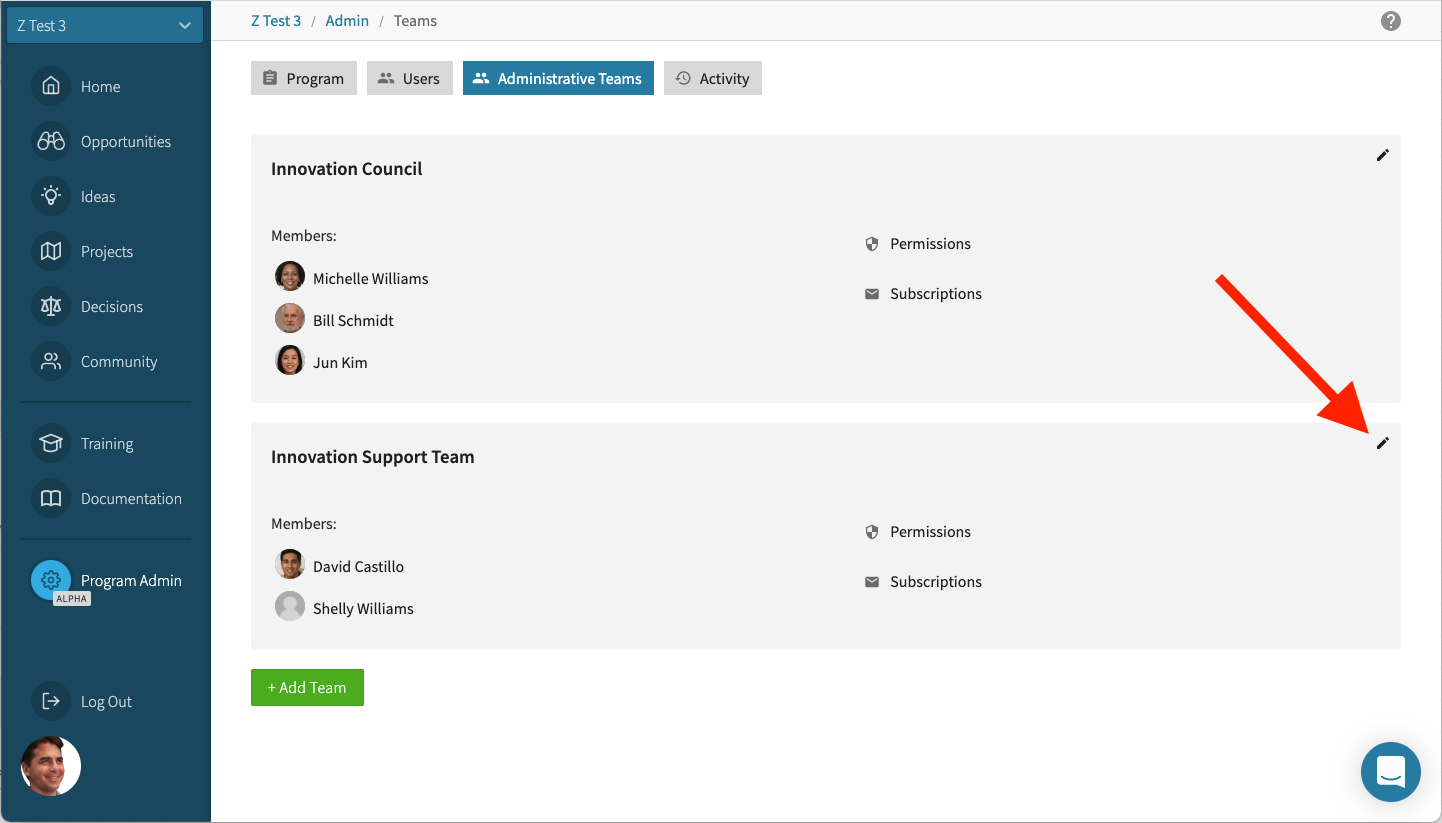
Modify the administrative team and select "Save."